Guía de configuración del desafío
Muévete más
Acumula minutos activos con las actividades que disfrutas.
¿De qué trata este desafío?
Move More uses a duration objective instead of points. Every selected activity contributes its recorded active duration in minutes. Running, cycling, swimming, walking, yoga, and fitness can all count without trying to convert one sport into another point rate.
¿Cómo ganan los participantes o alcanzan el objetivo?
In the default Amount mode, the participant with the highest accumulated number of active minutes ranks first. There is no finish line unless you choose Goal mode instead. A Goal mode target can turn the same setup into a completion challenge, such as 600 active minutes in 30 days.
Cómo seguir el progreso de los participantes
- Leaderboard: compare accumulated minutes and rank.
- Statistics: view the total, daily duration trend, and activity-type breakdown.
- Stream: see how each activity adds minutes and which activities are outside the selected categories.
- My Activities: check the duration recorded for personal activities.
Opciones de configuración principales
Objective
- Choose Metric amount.
- Set the metric to Duration.
- Select all configured categories or only the activities that should count.
Challenge basics
- Set dates and participant limit.
- Decide whether manual activities are accepted.
- Explain which duration records qualify.
Configuración opcional
Switch from Amount to Goal mode, enable team standings only if you later choose to use teams, and adjust the eligible activities. You can add GPS sharing, photo proof, join questions, rules text, a calendar, or a limited editing window. Point caps and point-rate settings do not control a metric objective.
Cómo configurarlo
- Select Move More and set the dates and participant limit.
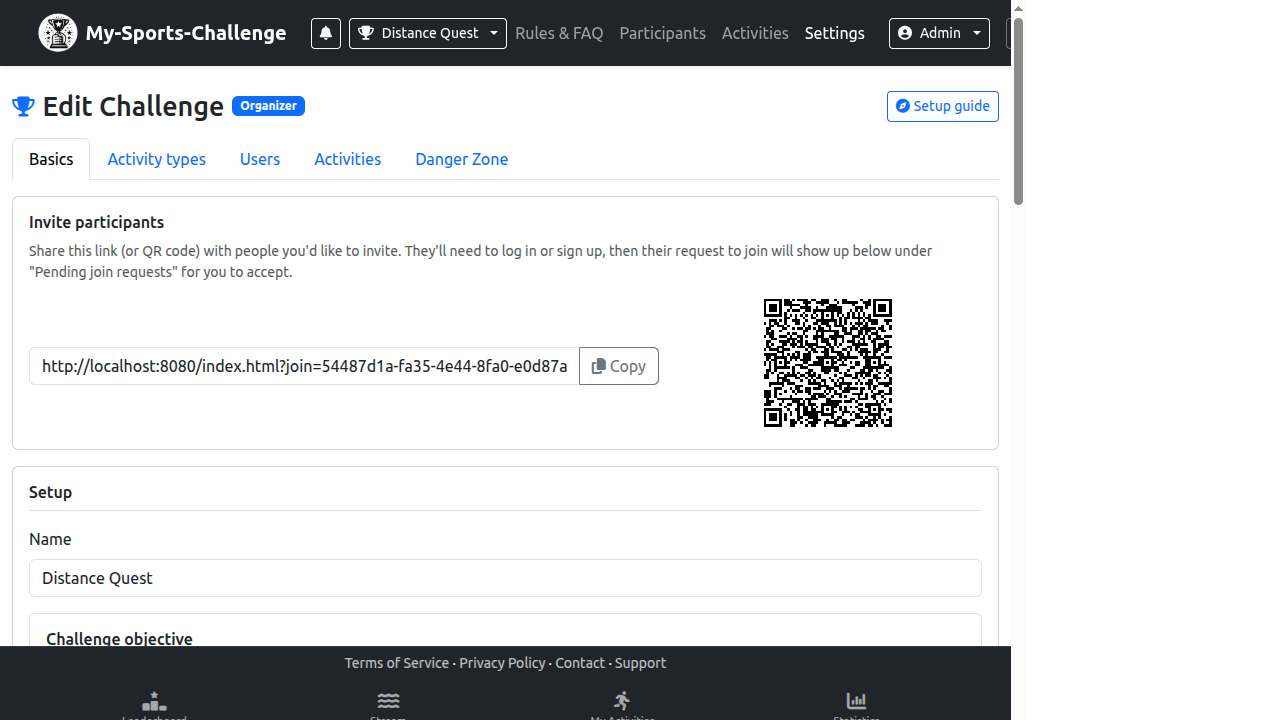
- After creation, open Challenge Settings and go to Lo esencial.
- Set Challenge type to Metric amount and choose Duration.
- Open Activity types and ensure the categories referenced by the objective are configured.
- Save, then confirm the duration total in Statistics with a test activity.
Errores frecuentes
- Choosing Duration but leaving no eligible activity categories configured.
- Expecting point caps to limit metric totals.
- Calling the challenge a goal while using Amount mode, which has no fixed finish target.
¿Listo para crearlo? Choose Move More and refine the eligible activities in Challenge Settings.
Crear un desafío