Guía de configuración del desafío
Reto clásico de puntos
Gana puntos con actividades cotidianas y compite en la clasificación.
¿De qué trata este desafío?
Participants log or import eligible activities. Each activity earns points from its activity type settings, such as one point per kilometer of running or one point per six minutes of indoor training. The participant with the highest counted point total at the end wins.
This format works well when you want to compare different sports in one leaderboard and give each sport a deliberate weighting.
¿Cómo ganan los participantes o alcanzan el objetivo?
Participants win by accumulating more counted points than the other participants. An activity can earn points from distance, duration, elevation gain, or a combination of those rates. Minimum-point rules can prevent very short activities from contributing.
Example
If Running is set to 1 point per kilometer and 50 meters of climbing, a 5 km run with 100 m of elevation gain earns 7 points before any caps.
What counts
Only activities mapped to an enabled challenge activity type contribute. Point caps may reduce the counted total while the activity remains visible.
Cómo seguir el progreso de los participantes
- Leaderboard: compare total counted points, rank, activity count, and any displayed cap information.
- Stream: review activities in time order and see the points each activity contributed.
- My Activities: inspect personal activities and their scoring details.
- Statistics: follow daily trends and activity-type breakdowns.
Opciones de configuración principales
Tipos de actividad
- Add the sports that count.
- Map provider activity values to each category.
- Set distance, duration, and elevation rates.
Point rules
- Set minimum points per activity.
- Choose daily activity-type caps.
- Set the challenge dates and participant limit.
Configuración opcional
Consider weekly caps when you want steady participation rather than one large effort. You can also enable specials, group-activity bonuses, GPS-track sharing, photo proof, join questions, participant-facing introduction/rules/FAQ text, a calendar, or the unmapped-provider fallback. Enable only the features you are prepared to explain in the rules.
Cómo configurarlo
- Choose Classic Points Challenge in Start a Challenge, then set the name, dates, and participant limit.
- Open Challenge Settings and select the Tipos de actividad tab.
- Keep the starter categories you want, remove unused categories, and edit each scoring rate.
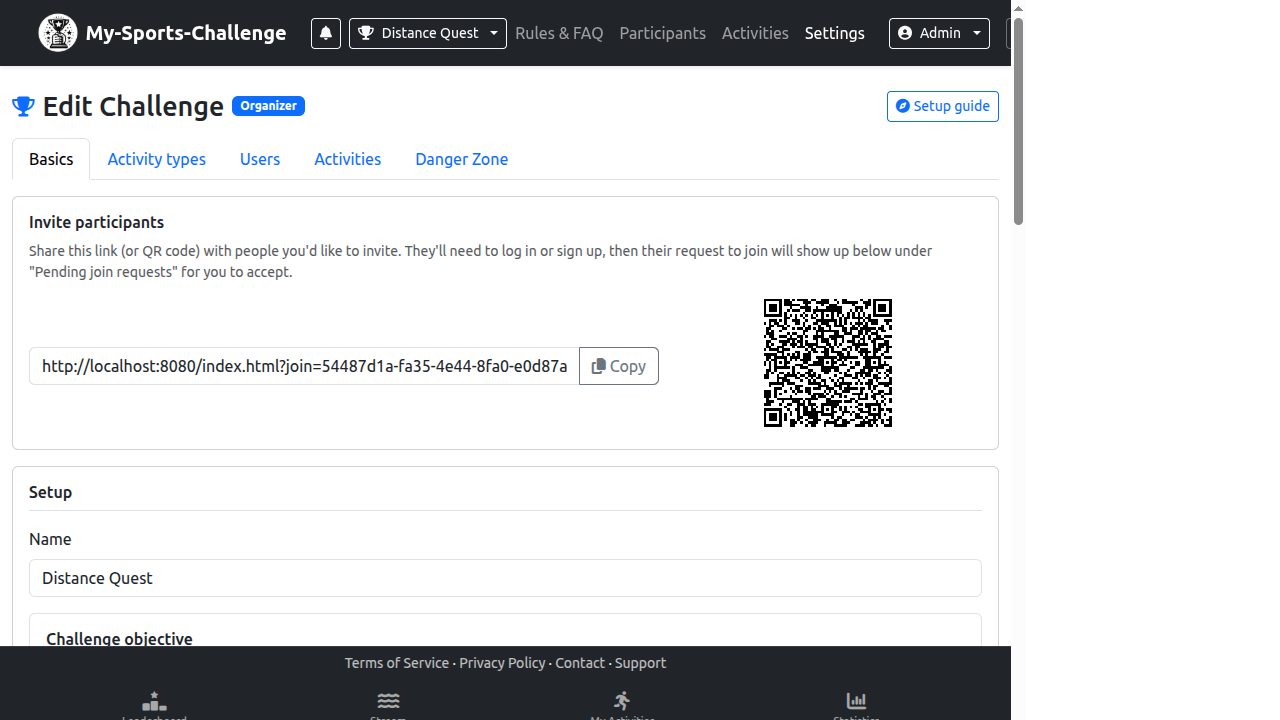
- Review the Basics settings, especially manual entry, activity visibility, and editing windows.
- Use the Leaderboard and a test activity to confirm that the scoring feels fair before inviting people.
Errores frecuentes
- Leaving all point rates at zero, which makes an activity type invalid for scoring.
- Giving one sport an unintentionally dominant rate because distance and duration are not comparable.
- Enabling caps without explaining the difference between raw and counted points.
¿Listo para crearlo? Start from the Classic Points template, then refine the activity rules in Settings.
Crear un desafío