挑战设置指南
距离阶梯
按自己的水平完成一系列独立距离目标。
这个挑战是什么?
A Distance Ladder contains several independent targets, such as 1 km, 5 km, and 10 km. Participants can attempt whichever target suits them, and each target produces its own result. The targets are not one cumulative distance goal and do not require a participant to complete the earlier stages first.
参与者如何获胜或完成目标?
Each stage is achieved by completing its target distance with a qualifying activity. Participants are ranked separately for each stage by qualifying time. A participant may earn results for one stage, several stages, or all stages during the challenge period.
参与者如何跟踪进度
- Leaderboard: view stage-by-stage qualification, time, rank, and gap to the leader.
- Statistics: compare qualification counts and supporting distance trends.
- Stream: see which activities completed a stage or failed to qualify.
- My Activities: review personal bests for each target.
关键配置选项
Race format
- Choose a staged race objective.
- Set the format to Independent targets.
- Use individual-stage timing.
Stage definitions
- Give every stage a clear label.
- Set a positive distance target.
- Choose eligible activity types and GPS policy per stage.
可选配置
Change the number and size of the targets, use cycling or another activity instead of running, or allow non-GPS fallback where the stage supports it. If participants must complete stages in order, change the format to sequential stages and explain the resulting rule.
如何设置
- Select Distance Ladder and set the challenge dates.
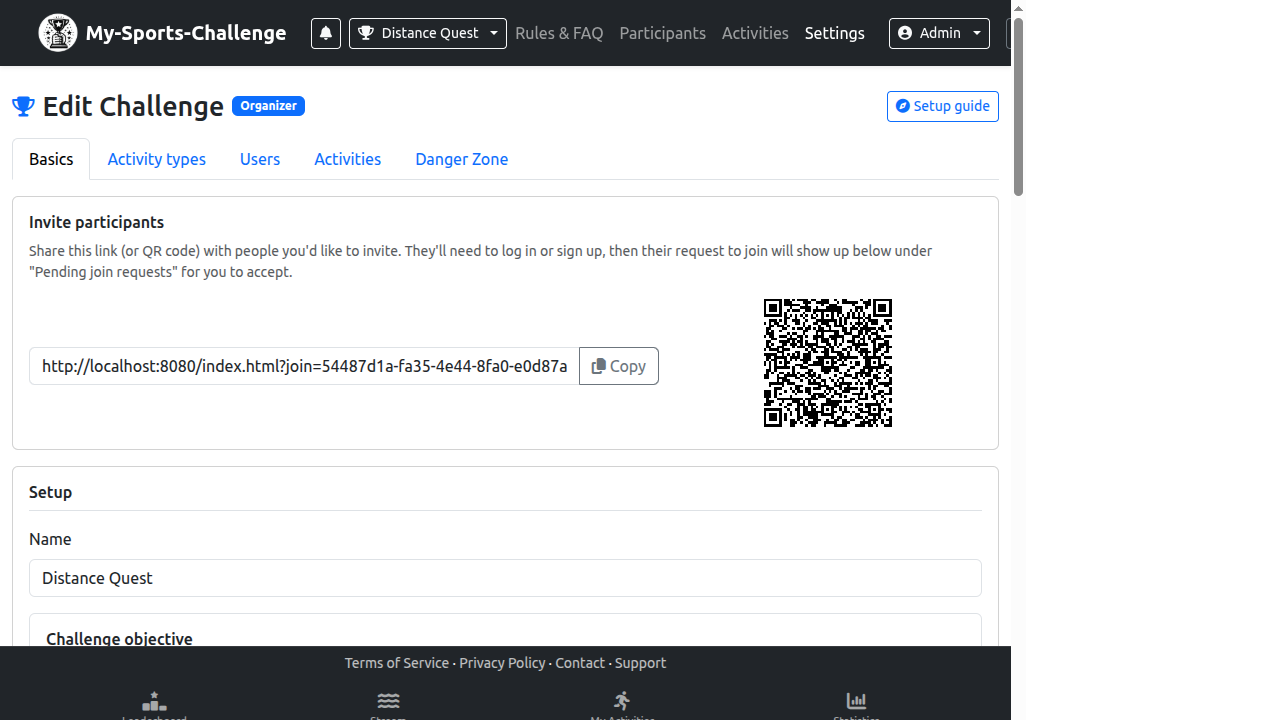
- In Challenge Settings, open Basics and select Staged race.
- Choose Independent targets and individual-stage timing.
- In the stage editor, set each label, target distance, activity type, and GPS policy.
- Save, then test one activity against one stage before inviting participants.
常见错误
- Calling the ladder sequential when participants are allowed to attempt stages independently.
- Using ambiguous stage labels that do not state the target.
- Forgetting that each stage can have its own eligible activity and GPS policy.
准备好创建了吗? Choose Distance Ladder and make every target understandable at a glance.
创建挑战