チャレンジ設定ガイド
ヒルクライムタイムトライアル
獲得標高の目標にできるだけ速く到達します。
このチャレンジの内容
This format turns climbing into a race result. Participants use an eligible running, cycling, or walking/hiking activity and try to reach the configured elevation gain, such as 500 meters. It is different from an elevation goal: the primary result is time, not total climbing accumulated over the whole challenge.
参加者はどのように勝利または目標達成しますか?
The fastest qualifying activity-order effort to the elevation target wins. The race keeps the cumulative activity-order calculation, and standings are individual-only. Participants who have not reached the target can still see their supporting activity totals but do not have a qualifying race result.
参加者が進捗を確認する方法
- Leaderboard: compare qualifying time, rank, qualified count, and gap to the leader.
- Statistics: see best time, median time, qualification count, and supporting elevation totals.
- Stream: identify personal-best activities and non-qualifying activities.
- My Activities: review the activity that produced the best race result.
主な設定オプション
Race objective
- Choose Metric race.
- Choose Elevation, measured in meters.
- Set the climbing target.
Eligible activities
- Choose running, cycling, hiking, or another configured category.
- Decide whether GPS sharing is required.
- Keep the rules focused on the qualifying time.
任意の設定
Change the target for a short hill climb or a major mountain challenge. Adjust the eligible sports, dates, participant limit, GPS-sharing rules, and participant-facing instructions. Race standings cannot be changed to team standings.
設定方法
- Select Hill Climb Time Trial and set the event dates.
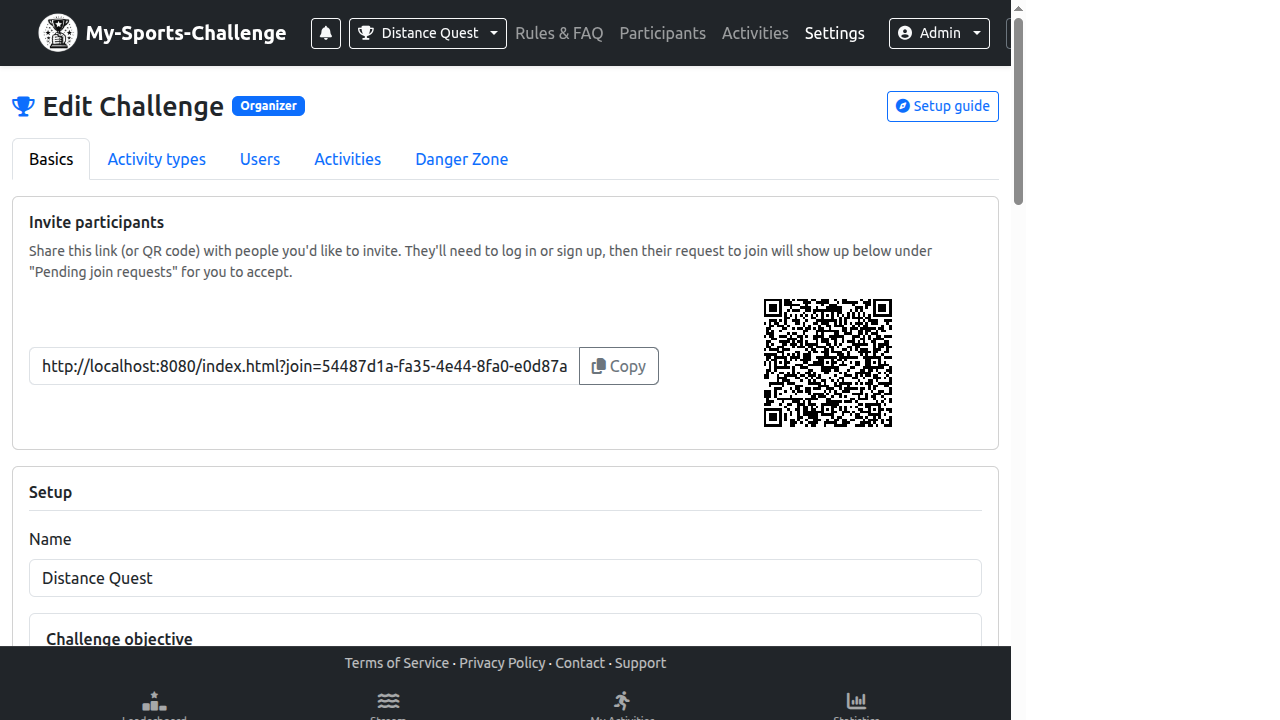
- In Basics, choose Metric race and select Elevation.
- Enter the target in meters, such as 500.
- Choose the activity categories that can qualify.
- Explain that the result is the fastest time to the target, not the highest total elevation.
- Check the race result with a test activity before inviting participants.
よくある間違い
- Describing the challenge as a cumulative elevation goal while using race mode.
- Allowing activity categories whose elevation data cannot support the intended comparison.
- Promising team rankings even though race objectives use individual standings.
作成する準備はできましたか? Choose Hill Climb Time Trial and make the target and qualifying rule clear.
チャレンジを作成