チャレンジ設定ガイド
距離クエスト
チャレンジ期間中に距離の目標を目指します。
このチャレンジの内容
Distance Quest uses a distance goal, measured in kilometers across the activity types you select. A 100 km target could combine running, cycling, walking, swimming, indoor cycling, indoor running, and rowing. The objective is about reaching the target, not about assigning different point values to each sport.
参加者はどのように勝利または目標達成しますか?
Participants achieve the goal when their accumulated eligible distance reaches the configured target. Completed participants rank ahead of incomplete participants; among participants in the same completion state, the larger distance ranks higher. You can use a participant target or a team target when team play is enabled later.
参加者が進捗を確認する方法
- Leaderboard: see distance, target, completion percentage, completion state, and rank.
- Statistics: follow the cumulative daily distance trend and activity-type breakdown.
- Stream: see each activity's distance contribution and target progress.
- My Activities: verify which activities contributed.
主な設定オプション
Goal definition
- Choose Metric goal.
- Choose Distance, which is measured in km.
- Set a positive target, such as 100 km.
Eligible activity types
- Include only activities with meaningful distance.
- Select all configured types or a specific subset.
- Review indoor and imported activity coverage.
任意の設定
Adjust the target for the length of the challenge and the group. You can enable manual entry, GPS sharing, photo proof, join questions, participant-facing rules, a calendar, or team standings. Weekly point caps do not apply to a metric objective.
設定方法
- Select Distance Quest and edit the suggested name, dates, and participant limit.
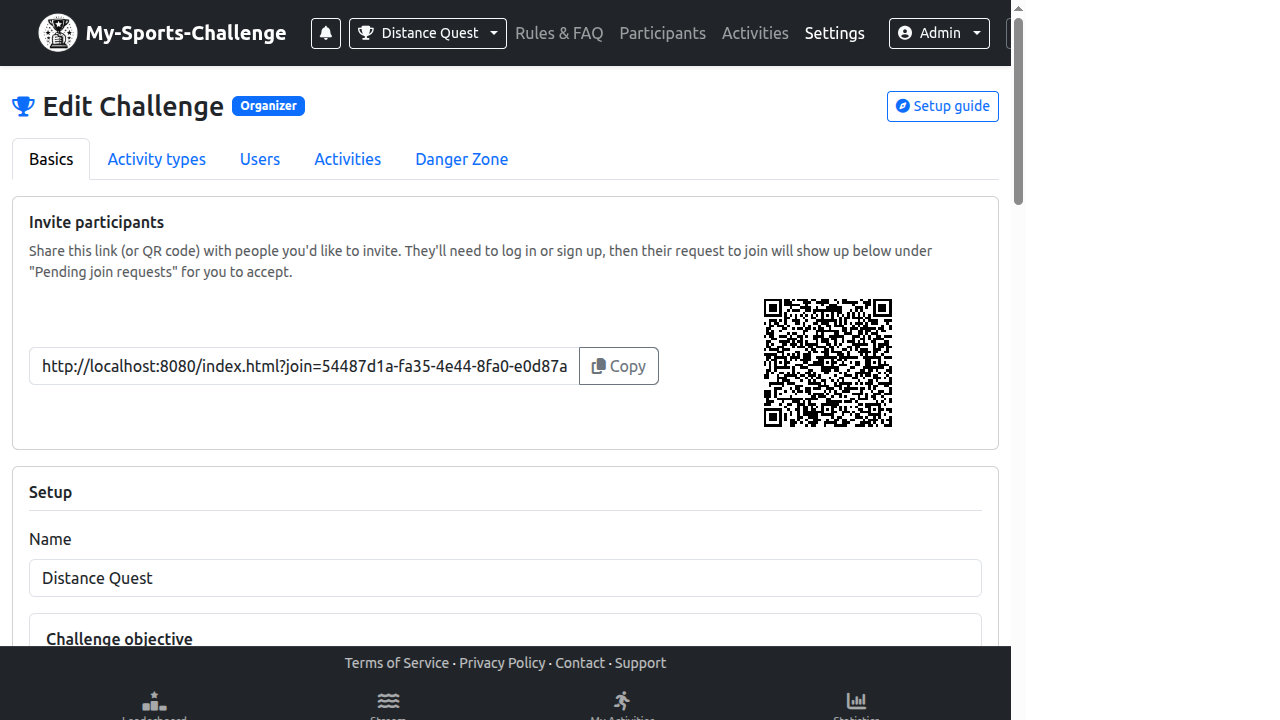
- Open Challenge Settings and choose the 基本 tab.
- Set Challenge type to Metric goal, select Distance, and enter the target.
- Choose the activity categories that should contribute to the goal.
- Save and check the Leaderboard after a test activity to confirm the percentage and completion state.
よくある間違い
- Including Yoga or Fitness when their records do not contain a meaningful distance.
- Setting a target without considering the number of days and expected participation.
- Confusing an open-ended Amount objective with a fixed Goal objective.
作成する準備はできましたか? Choose Distance Quest and set a target participants can understand.
チャレンジを作成