دليل إعداد التحدي
سباق 5K / 10K ضد الزمن
سجل أسرع جري مؤهل لك على المسافة المحددة.
ما موضوع هذا التحدي؟
Participants can run the challenge target whenever it suits them during the challenge dates. The system looks for the fastest contiguous rolling effort over the configured distance inside one imported GPS-tracked activity. It is not a route challenge: the course can vary, but the activity must contain usable GPS data.
كيف يفوز المشاركون أو يحققون الهدف؟
The fastest qualifying elapsed time wins. Pauses and rest inside the GPS effort are included in elapsed time. Participants without a qualifying effort remain visible but do not receive a race ranking until they complete one. Race standings are individual-only.
كيف يتابع المشاركون التقدم
- Leaderboard: see personal result, rank, qualified-participant count, and gap to the leader.
- Stream: identify the activity that created a personal best and see when an activity did not qualify.
- Statistics: compare best time, median time, qualification count, and time distribution.
- My Activities: open the highlighted fastest effort map for your own result.
خيارات الإعداد المهمة
Race objective
- Choose Metric race.
- Set the metric to Distance.
- Set 5 km or 10 km as the target.
Qualification
- Select Running as the eligible activity type.
- Keep manual entry off for qualifying race results.
- Require GPS sharing if participants need to expose their tracks for verification.
إعداد اختياري
Add a maximum net elevation-loss limit for the qualifying window if downhill shortcuts should be excluded. You can change the target, allow another eligible activity type, adjust dates, and add rules or photo proof. Manual activities may remain visible in history but cannot provide GPS race qualification.
كيفية إعداده
- Select 5K / 10K Time Trial and choose the dates.
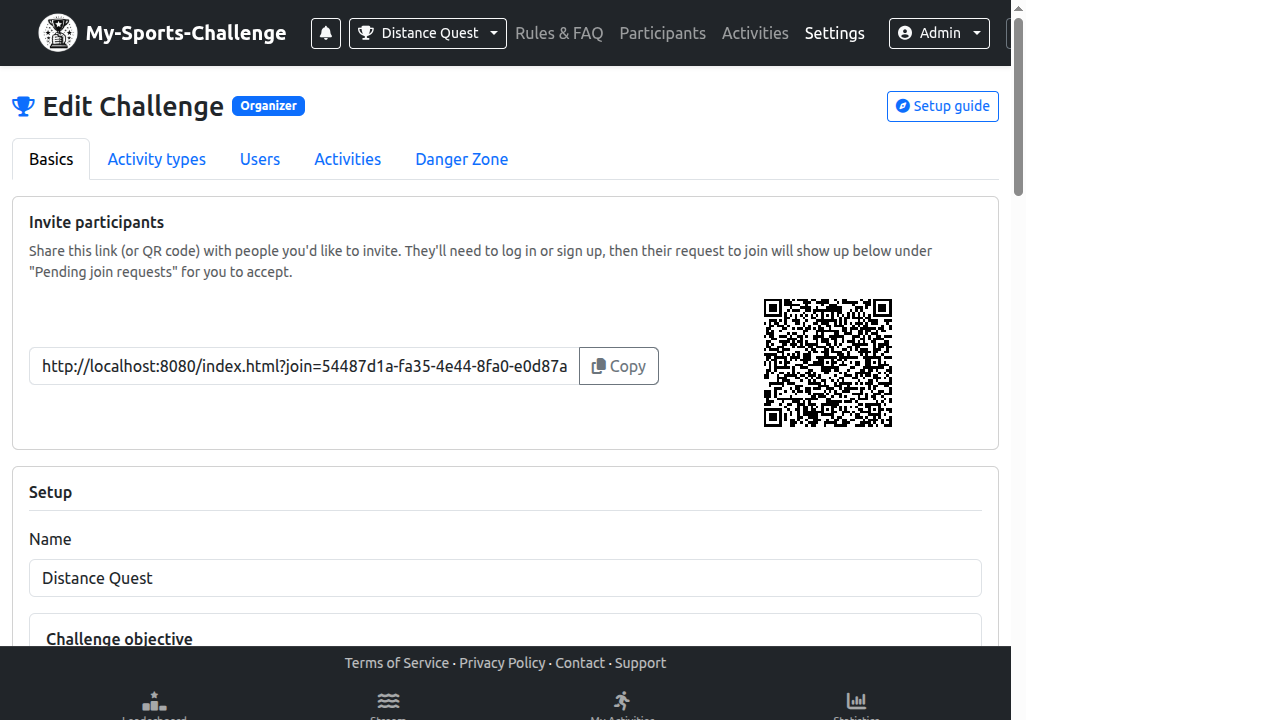
- Open Challenge Settings and go to الأساسيات.
- Choose Metric race, Distance, and enter the target distance.
- Open Activity types and select the running category used for qualification.
- Explain GPS requirements and the fastest-effort rule in the challenge rules.
- Test with an imported GPS activity and inspect the race result map.
أخطاء شائعة
- Expecting a manually entered 5 km activity to qualify as a GPS race result.
- Confusing a route challenge, which requires a configured course, with a distance race.
- Failing to explain why a participant can appear in the challenge without a qualifying race time.
هل أنت مستعد لإنشائه؟ Select the time-trial template and state whether your event is a 5K or 10K.
إنشاء تحدٍ